Tower Defence Simulator Games is a Strategy game developed by FY GAMES CO., and LDPlayer is the best platform for playing Tower Defence Simulator Games on Windows PC, offering powerful features for an immersive experience.
When playing Tower Defence Simulator Games on your computer, you can enjoy long game sessions using the operation recording feature to record repetitive operations to complete the same tasks automatically. It allows you to level up faster and makes resource grinding much more efficient.
In addition, if you want to execute combo moves or the game requires repeated skill actions, the macro feature is your best helper. It enables you to complete kills with just one click!
If you want to manage multiple accounts, LDMultiplayer and Synchronizer will assist you. You can run multiple alternative accounts at the same time to assist the leveling of your main account. Download and play Tower Defence Simulator Games on PC with LDPlayer now!
Tower defense games are a category that never goes out of style for players who love to play tactical games. With the tower defense game, you must protect your base by defending against enemies who come to destroy you! Your biggest help in doing this will be your strategic intelligence.It is very important where to place the tower defense weapons that will strengthen your defense. Your enemies are coming very strong to invade your base, will you be able to challenge them?
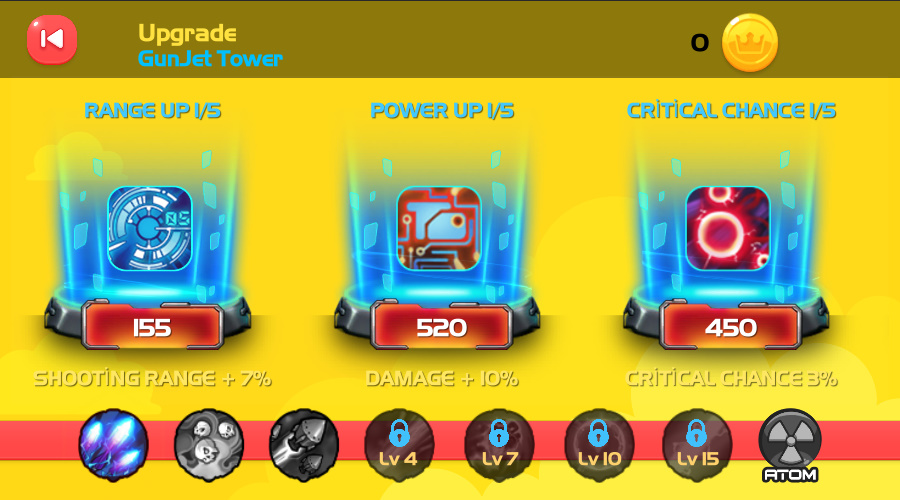
As you progress through the levels in the fiery defense game, the game will get harder, and the enemies will get stronger. You will need to strengthen your defense weapons as you progress through the game to counter the tough and powerful enemies. But don't worry! This tower defense game is free! You will earn the coins needed to upgrade your towers as you complete missions.
There are more than 40 levels in the base defense game, which means that hours of tower defense gameplay await you!
Don't underestimate the enemies! There are different enemy units to defeat, such as tanks, military troops, airplanes, etc. You must develop different strategies for each of these enemies. For example, slow towers will be useful in a ground attack, while GunJet towers will be useful in an air attack to take down planes. If you fail to defend your area with the right strategy, enemy troops will break through your defenses, invade your base, and win the game!
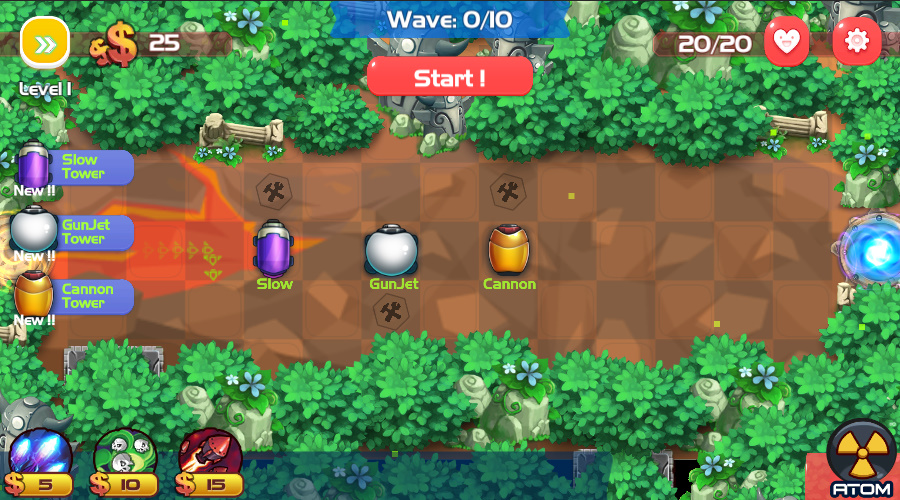
When defending your defensive line you will have defensive weapons, each with its own unique characteristics. There are three types of towers with different characteristics! Where you place your weapons can change the course of the battle! You must position these towers according to their characteristics and build the best possible defensive barrage.
Towers
- Slow Tower
- Cannon Tower
- GunJet Tower
With quality graphics, user-friendly controls, and a storyline that anyone can grasp in no time, this tower defense game is the perfect simulator for lovers of defense games and strategy games alike!
Prepare your weapons and get ready to defend your castle against all odds!