Wheat Harvest: Farm Kids Games is a Educational application developed by GoKids! publishing, but with the best Android emulator-LDPlayer, you can download and play Wheat Harvest: Farm Kids Games on your computer.
Running Wheat Harvest: Farm Kids Games on your computer allows you to browse clearly on a large screen, and controlling the application with a mouse and keyboard is much faster than using touchscreen, all while never having to worry about device battery issues.
With multi-instance and synchronization features, you can even run multiple applications and accounts on your PC.
And file sharing makes sharing images, videos, and files incredibly easy.
Download Wheat Harvest: Farm Kids Games and run it on your PC. Enjoy the large screen and high-definition quality on your PC!
Harvest games for toddlers is an educational game for kids from 2 to 5 years old in which kids will learn a lot about village life. Toddlers will start a new rural adventure and our kindergarten game will help create a countryside atmosphere. Children will not only figure out how to grow wheat and how this wheat can then be used, but they will also learn and build different machines, agricultural techniques and much more!How will the children play the farm game:
Farm and Agro Machines" is a fun and educational children's game that takes players on a journey through the process of growing wheat. In the game, children grow wheat in stages and build separate machines for each stage, which they assemble from different parts.
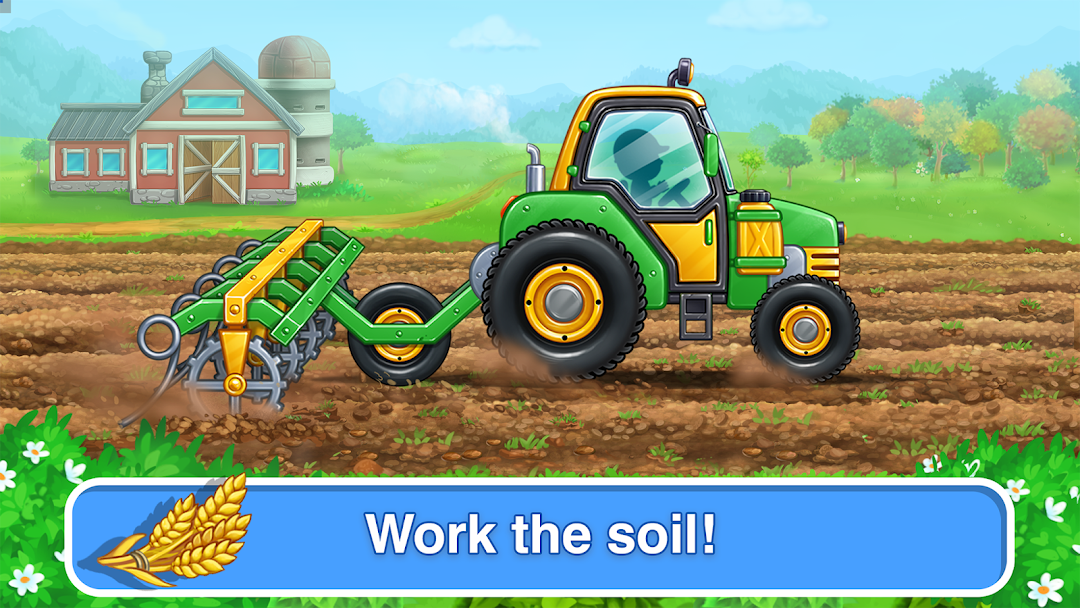
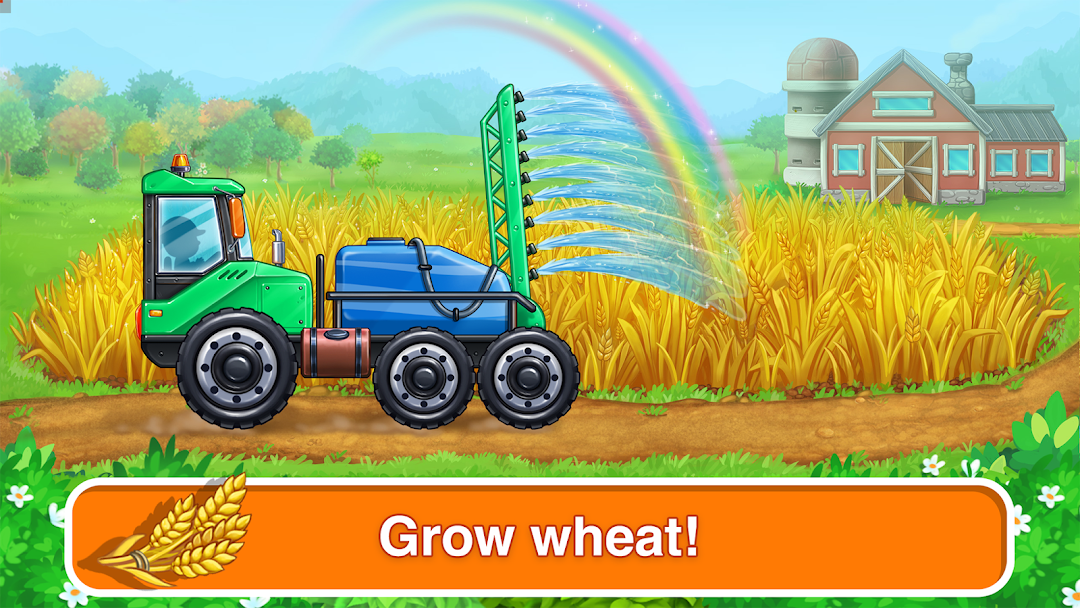
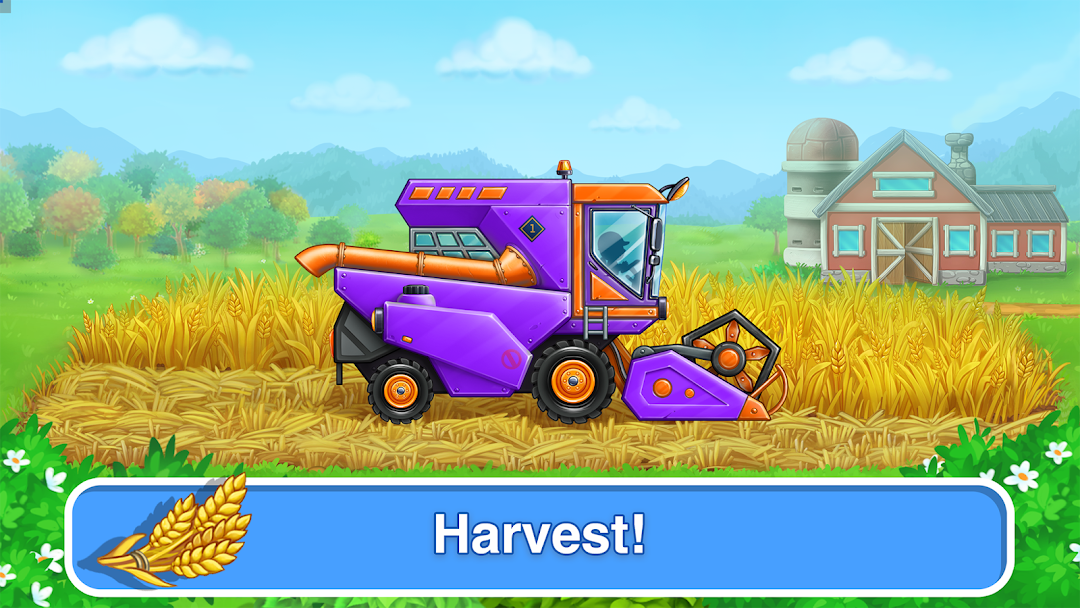
In the first stage, players plant and cultivate wheat seeds, making sure they have enough water and sunlight. Once the wheat has grown, players move on to the next stage where they harvest the crop using a combine harvester machine they have assembled.
In the following stage, players use a thresher machine to separate the wheat kernels from the chaff. Finally, they use a milling machine to grind the wheat into flour, which can then be used to make various food products such as bread and pasta.
Throughout the game, children learn about the different machines and processes involved in growing and processing wheat, and the various products that can be made from the crop. With engaging graphics and fun challenges, "Farm and Agro Machines" is an entertaining way for children to learn about agriculture and food production
"Farm and Agro Cars" is a fantastic educational game designed for young children aged 2 to 5 years old. The game offers numerous benefits that help to stimulate children's learning and development in a fun and interactive way.
Advantages of Farm and Harvest Kids Games:
One of the main benefits of this game is that it teaches children about farm equipment and how it works. Children will learn the names of different machines, their functions, and the tasks they help people with. This knowledge not only increases children's understanding of the world around them, but also helps to develop their critical thinking and problem-solving skills.
Another benefit of the game is that it helps to train children's memory, attention, and observation skills. Children will learn to remember the names of different machines and their functions, and will also have to pay close attention to detail as they complete various tasks.
In addition to this, the game also helps to develop fine motor skills and coordination. The simple car mini-games between the main tasks offer a fun way for children to practice and improve their hand-eye coordination.
Overall, "Farm and Agro Cars" is a great educational game that offers a range of benefits for young children. With its interactive and engaging gameplay, children will have a fun and educational experience while they learn about the world of agriculture and food production.
Always happy with your feedback and impressions at: support@gokidsmobile.com
Join our Facebook community: https://www.facebook.com/GoKidsMobile/
and follow us on Instagram https://www.instagram.com/gokidsapps/
Harvest is one of the best free toddler car games for 2 year olds for learning how to care for the soil develop motor skill and imagination for little children. Educational kindergarten and preschool games are the best way for child development.