Play Onmyoji on PC Guide | Best Emulator for Onmyoji
2019-12-17
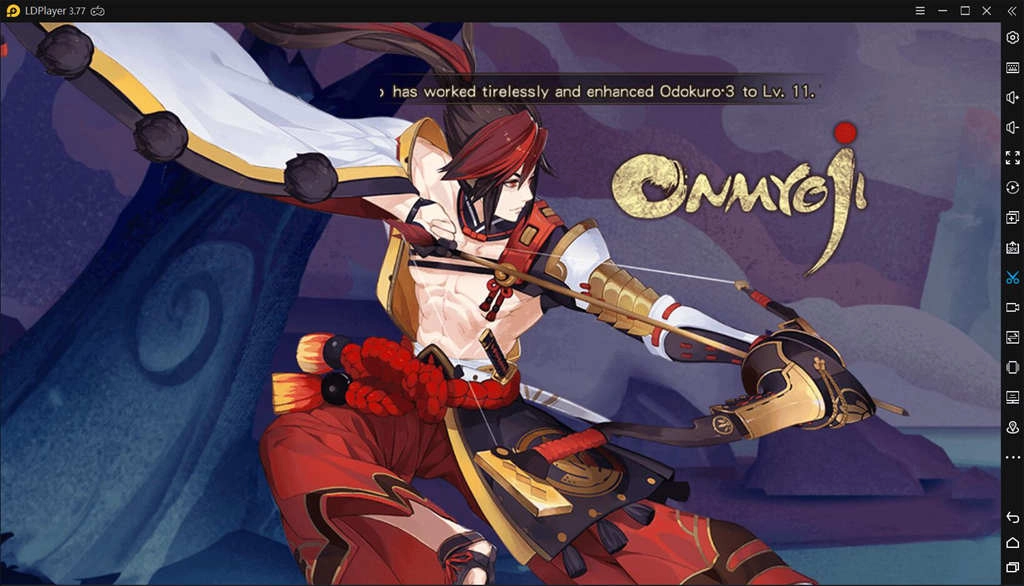
The anime RPG Onmyoji is considerably popular with Asian countries when it launched by Netease in 2017. It is well known for its stunning 3D graphics, PvP and PvE battles, vivid anime characters and more. Also, the English version of Onmyoji launched in 2018 took many English countries by storm, like Canada, Australia, and New Zealand.
Onmyoji will take players much time to level up characters, which causes players need to extend duration of playing the game. Thus, numerous of players expect seamless recreation when playing Onmyoji. Now it’s possible to play Onmyoji on PC with an Android emulator from which you can get longer duration as well as better gaming experience.
How to Play Onmyoji on Your Windows PC
More and more mobile games boost the launch of excellent Android emulators. LDPlayer is one of the remarkable Android emulators that optimize the gaming experience by emulating Android system on PC. And it takes your gaming experience to high level with many features and gives you a new gaming era. The following is the guide for you to download Onmyoji for your Windows with LDPlayer.

Step-1: Download LDPlayer and run the installer
Step-2: Open the installer to complete the setup and run LDPlayer
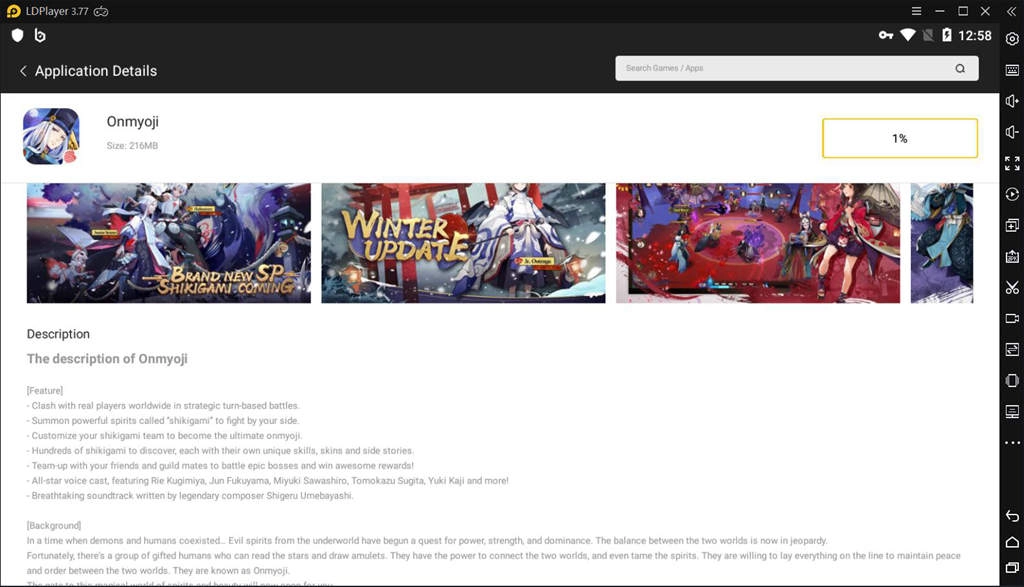
Step-3: Search for Onmyoji on the search bar
Step-4: Click Install to download Onmyoji from Google Play
Step-5: Follow the installation instructions to install Onmyoji on your emulator
Step-6: After the installation, click Onmyoji icon to launch the game
When you complete steps above, you can enjoy playing Onmyoji on PC with LDPlayer freely.
How to Run Onmyoji on PC Smoothly
System Requirements
If you want to get superb gaming experience, you can customize the settings to optimal mode, which is the best way to enjoy stunning graphics. However, high-quality graphics may result in some lags when you run games on PC. Thus, you should check whether your computer is compatible and powerful enough before you customize the settings. The below are recommended configurations for a computer.
OS Windows 7 or higher
CPU Intel Core i3-2310M or AMD A6-6400K
RAM 2GB
HDD 10 GB
GPU Nvidia GeForce 9600GT
Update LDPlayer to the Latest Version
The latest version of Android emulator always gives you higher compatibility in running games on PC. Thus, you should always make sure LDPlayer is the latest version. You can click the menu on LDPlayer and select “check for updates” to see if your current version of LDPlayer is the newest one. After you update the emulator to the latest one, you will find that you can run your games more smoothly.
Why Use LDPlayer for Playing Onmyoji on PC
Bigger Screen with Better Graphics
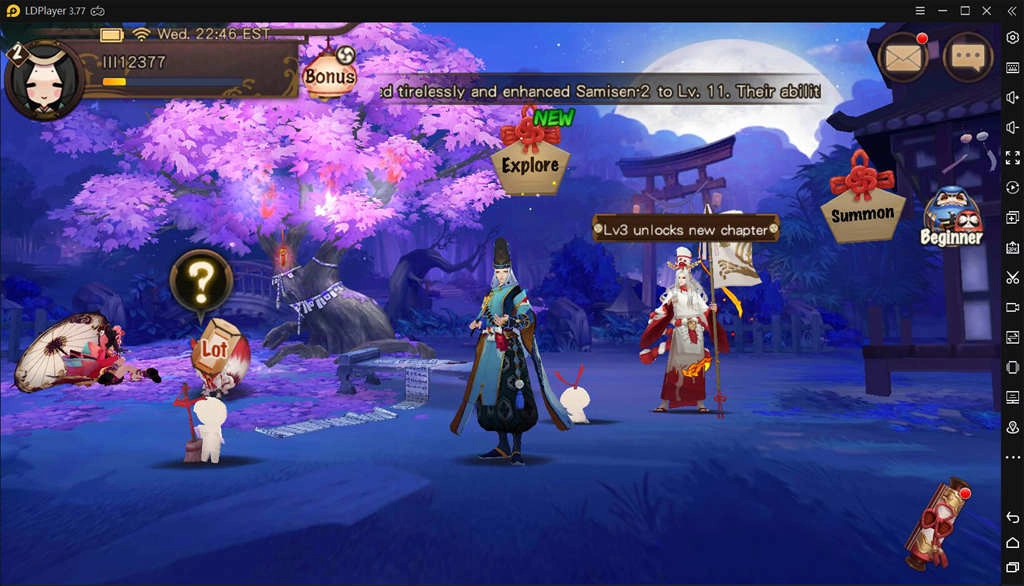
Onmyoji provides unique visual enjoyment for massive players as you can see aesthetic animation and appealing characters. With LDPlayer, high graphic quality enables you to enjoy better visual effect of Onmyoji, making you immerse in fantasy, mesmerizing world of Onmyoji. Moreover, you can play Onmyoji on a larger screen compared to small screen of mobile device.
Smoother Control with Keyboard and Mouse
In Onmyoji, you will start your epic adventure in the Helan period of Japanese history when humans and demons co-exist. You can divine the future, observe the starts, travel between human and demons words by using keyboard and mouse with LDPlayer. Notably, the Keyboard Mapping, a powerful tool of LDPlayer, permits you to use multiple fingers to tap on different abilities to move your onmyoji.
Multiple Game Accounts on a PC
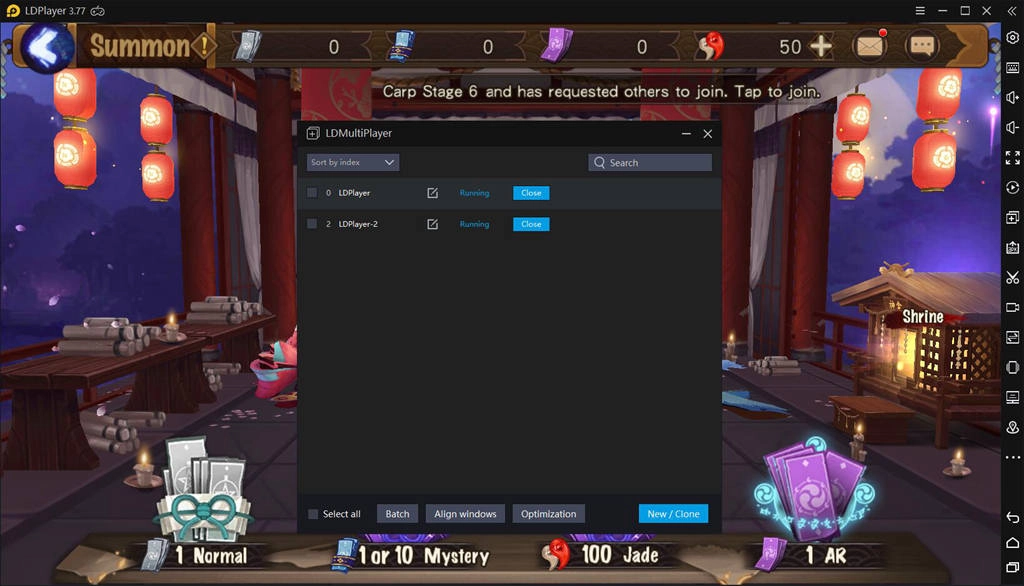
If you have several Onmyoji accounts, you can login your accounts on a single computer at one time with LDMultiPlayer, one of the useful tools on LDPlayer supporting multiple game accounts on a larger screen on PC. You don’t need many phones but a single PC to play several accounts, which is very convenient for you to train your onmyojis simultaneously.
Conclusion
It’s no longer impossible to play mobile games on your PC. It’s a good choice for you to play Onmyoji on PC with LDPlayer. LDPlayer provides you with a decent internet connection, smooth gameplay and better visual effects. Feel free to download LDPlayer for your PC and enjoy your mobile games on desktop now.