
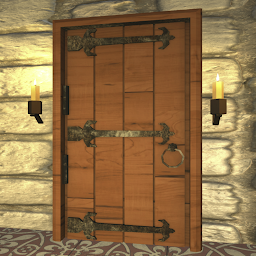


Escape Room 10 is a Strategy game developed by Tatsumi, and LDPlayer is the best platform for playing Escape Room 10 on Windows PC, offering powerful features for an immersive experience.
When playing Escape Room 10 on your computer, you can enjoy long game sessions using the operation recording feature to record repetitive operations to complete the same tasks automatically. It allows you to level up faster and makes resource grinding much more efficient.
In addition, if you want to execute combo moves or the game requires repeated skill actions, the macro feature is your best helper. It enables you to complete kills with just one click!
If you want to manage multiple accounts, LDMultiplayer and Synchronizer will assist you. You can run multiple alternative accounts at the same time to assist the leveling of your main account. Download and play Escape Room 10 on PC with LDPlayer now!
The long-awaited escape game that combines beautiful 3D graphics and simple controls is now available on the Google Play Store as a major entertainment experience that shines brightly! Enjoy the excitement of solving riddles in 10 thrilling stages, and try your hand at the various puzzles and riddles provided in each individual stage.The app offers breathtaking 3D environments, with realistic textures and details that make you feel as if you are right there. Sophisticated graphics and smooth animation transport you to another world. As the excitement of solving the puzzles builds, so does the immersion.
Each stage has its own unique theme and mystery, an opportunity to test your escape skills and insight. You will progress through a wide variety of approaches, including collecting items, deciphering hidden clues, and solving clever puzzles. The difficulty of the puzzles will increase incrementally and the challenge will continue.
Designed for a wide range of players, from beginners to experts, this escape game offers hints and solution support, so don't worry if you get stuck. The simple controls will ensure that everyone can easily enjoy the game.
We invite you to search the Google Play Store and download the app to experience this escape game, which beautifully combines beautiful 3D graphics and fascinating puzzle solving. 10 exciting stages are ready to test your escape skills. So, dive into the mystery-solving adventure now!







