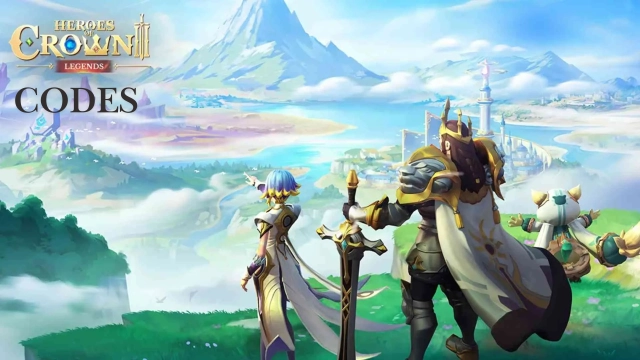
Heroes of Crown: Legends is a Role Playing game developed by Ujoy Games, and LDPlayer is the best platform for playing Heroes of Crown: Legends on Windows PC, offering powerful features for an immersive experience.
When playing Heroes of Crown: Legends on PC, as a new player looking to start with a fresh account, the multi-instance and sync features are extremely useful for rerolls. You can use them to run multiple instances and begin the synchronization process. Bind your account until you draw the desired heroes.
In addition, operation recorder is great for games that require you to level up and complete tasks! Run the sync and record your actions, then repeat the main instance's actions in real-time. By doing so, you can run 2 or more accounts simultaneously. You can always get the heroes you want before others by faster rerolls and more efficient summoning! Start downloading and playing Heroes of Crown: Legends on your computer now!
Start your journey with a 5-Star Hero of your choice and 1000 summon pulls to begin your epic adventure!"When the Chosen One is born, the quest to reclaim the lost seven ancient crowns begins—ensuring darkness never engulfs the homeland."
Heroes of Crown: Legends——A fantasy idle RPG where you recruit powerful heroes, form dream teams, and battle across a world filled with magic, destiny, and legendary warriors. Begin your journey to reclaim the lost ancient crowns and reshape the fate of the world.
- Recruit Heroes & Build Your Dream Team
Collect iconic heroes from different factions and origins. Strengthen bonds, upgrade abilities, and create unique team combinations with powerful synergy effects.
- Anime-Style Strategic Battles
Experience dynamic battles with high-impact skills, cinematic animations, and tactical positioning. Every fight is driven by team composition, timing, and strategy.
- A World of Magic & Destiny
Explore a vast fantasy world where heroes from different realms and stories come together. Uncover hidden secrets, ancient relics, and legendary characters with unique backstories.
- Idle Growth & Continuous Progress
Your team continues to grow even while you are away. Return anytime to unlock rewards, strengthen characters, and push further into your adventure.
- Guild Battles & Competitive PvP
Join guilds, challenge players worldwide, and compete in arena battles and seasonal events to prove your strength.
Plunge into your adventure now and uncover the ancient secrets behind the Crown!
Follow us for more latest news:
Official Website: https://hoc.ujoygames.com
Facebook: https://www.facebook.com/HeroesofCrownLegends
Discord: https://discord.gg/XwKwUx6ub4
Twitter: https://twitter.com/HoC_Legends
Youtube: https://www.youtube.com/@HeroesofCrown