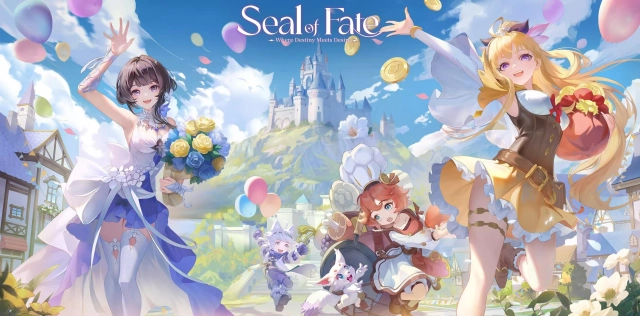
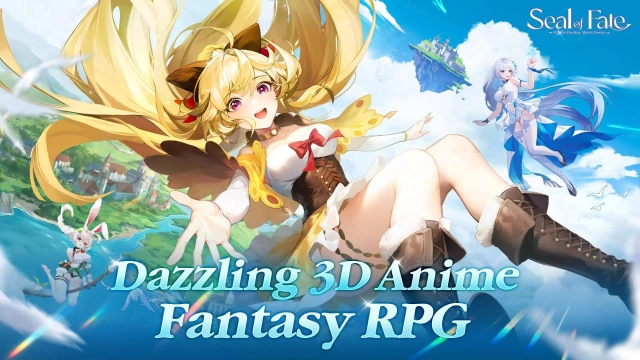
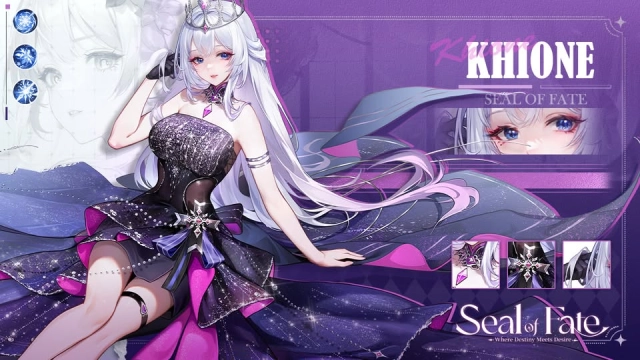
Seal of Fate is a vertical RPG mobile games with exquisite 3D Sword&Magical world launch on 27 August. There are rich Summon Scrolls, enjoying fun of Gacha and collecting dazzling beaties. Let's recruit you exclusive lineups, begin your journey as the chosen one! With outstanding comic story and delicate art, playing game seems like reading Manga.
Pre-register now for free rewards:
-
10 Summon Scrools
-
SSR character Vicky
-
Lifetime Diamond Pass
-
exclusive prestige Khione Skin.
Game Features
[Immersive Manga-Style Storyline]
A capativating storyline impresses you with fun and humor. Immerse yourself in Manga, experience Sword&Magical World.
[Vertical and Portable Game]
Innovative vertical RPG game makes you delve into Seal of Fate universe, enjoying fascinating 3D visuals. Auto-battle, Accelerate and Skip buttons allows you to have fun with gacha and combat in spare time.
[Abundant Rewards and Training Resources]
Continuous sign-in for 7 days to obtain grand SSR. First top-up only needs 1USD to claim powerful main character - Khione. Rich resources rewards and AFK farming and grinding. Easy to reach all UR evolusion, and build your excellent teams within a week!
[Diverse and Distinct Strategy Combat]
Four distinctive factions: Sanctum, Norturn, Elemental, Obilivion. Choose your favorite lineups to pursue extreme ATK or DEF. Dominate Seal of Fate with your specific combat strategy in PVP or PVE!
[Thoughtful Beginner Tutorial Guide]
Beginners-friendly Tutorial with highlights guides you have a comprehensive understanding of Seal of Fate. Exclusive buttons showcase beginner team recommendation and advanded gameplay!
Download and Play Seal of Fate on PC with LDPlayer
Enjoy the smoothest gameplay on PC with LDPlayer - the best Android Emulator - brings you the best experience to dominate Seal of Fate with the wonderful functions such as multi-instance, high FPS, ultra-wide screen and etc.! Download LDPlayer for latest updates.
Multi-instance & Sync: Create multiple instance and execute the same operation simultaneously, upgrade your Pets quickly
Customizable FPS: Unlock fixed FPS settings, customize your optimal FPS and enjoy smoothest gameplay.
Ultra-Wide Screen: Get a full view of the battlefield and enjoy immersive 3D visuals.