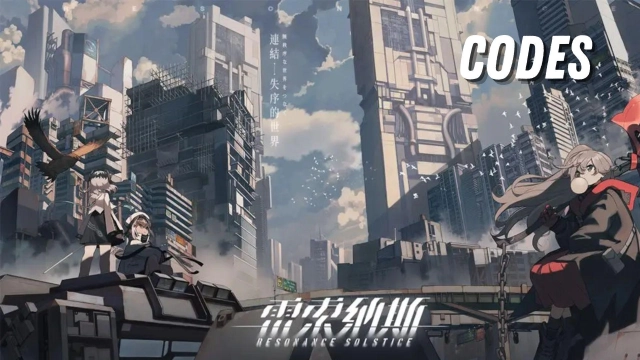
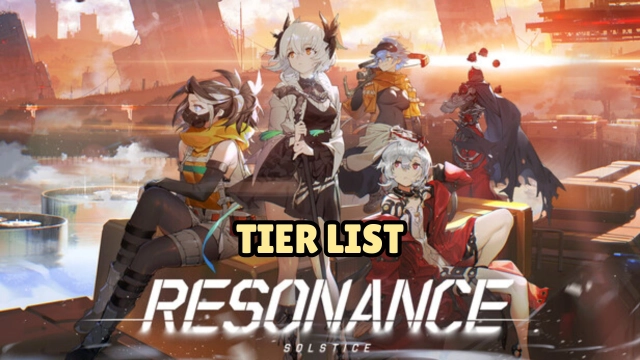
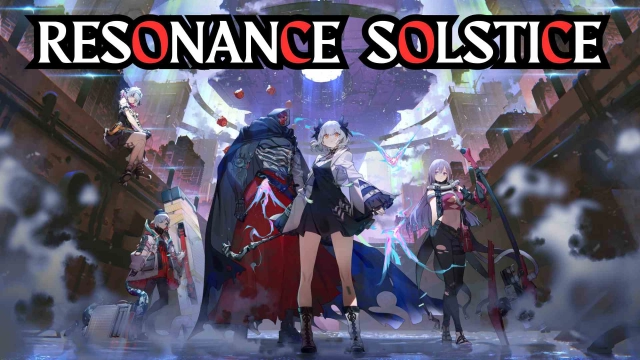
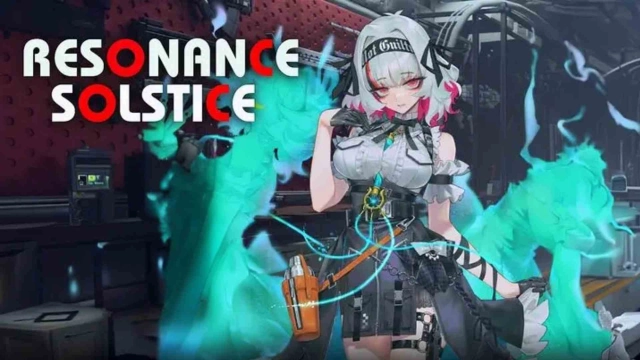
Developed by Ujoy Games, Resonance Solstice is a next-generation 3D action RPG where technology and elemental energy collide.
Officially launch on October 30, 2025, the game is available on Android, iOS, and PC, bringing console-level visuals and responsive combat to mobile platforms.
Core Gameplay – Fast, Fluid, and Full of Energy
At the heart of Resonance Solstice lies the Resonance Link system — a high-speed combat mechanic that lets you swap characters instantly to chain elemental skills and unleash devastating combos.
Every dodge, counter, and strike matters; timing and rhythm turn every encounter into a test of precision and creativity.
Explore a semi-open world filled with elemental distortions, hidden domains, and elite bosses that push your reflexes and team strategy to the limit.
Whether you prefer solo challenges or coordinated team play, Resonance Solstice delivers smooth, reactive combat that always feels rewarding.
Key Features
Resonance Link System: Switch between heroes to combine elements and trigger powerful resonance reactions.
Cinematic 3D Combat: Detailed animations and particle effects make every battle visually stunning.
Hero Progression & Customization: Upgrade resonance gear, unlock ascension paths, and shape each hero’s combat role.
Expanding World: Seasonal updates bring new regions, enemies, and elemental abilities to master.
Play Resonance Solstice on PC with LDPlayer for Best Experience
Resonance Solstice thrives on precise timing and fast elemental switching — where chaining heroes like Flame → Volt → Aero unleashes massive “Resonance Burst” combos.
Running the Android version through LDPlayer Android Emulator on PC lets you enjoy that flow and precision at its best:
Ultra Screen – View the entire battlefield and watch every resonance burst and particle effect in vivid detail.
Custom Control – Map quick keys for instant hero swaps and fluid combo chains such as Frost → Flame → Volt, allowing faster reactions during boss fights.
High FPS – Maintain seamless 60 FPS combat even during large-scale resonance battles filled with effects and enemies.
Multi-instance – Run multiple accounts or experiment with different team compositions and element rotations effortlessly.
Whether you’re dodging a boss’s finisher or landing a perfect Volt-Aero Resonance Finish,
LDPlayer makes every action sharper, faster, and more satisfying.