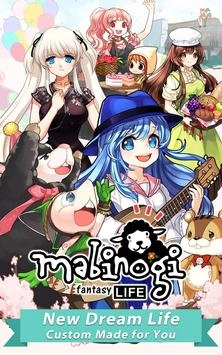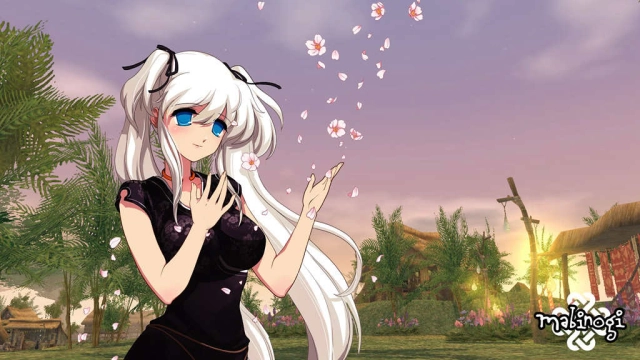


Mabinogi: Fantasy Life is a Role Playing game developed by , and LDPlayer is the best platform for playing Mabinogi: Fantasy Life on Windows PC, offering powerful features for an immersive experience.
When playing Mabinogi: Fantasy Life on PC, as a new player looking to start with a fresh account, the multi-instance and sync features are extremely useful for rerolls. You can use them to run multiple instances and begin the synchronization process. Bind your account until you draw the desired heroes.
In addition, operation recorder is great for games that require you to level up and complete tasks! Run the sync and record your actions, then repeat the main instance's actions in real-time. By doing so, you can run 2 or more accounts simultaneously. You can always get the heroes you want before others by faster rerolls and more efficient summoning! Start downloading and playing Mabinogi: Fantasy Life on your computer now!
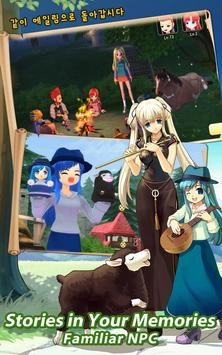
Mabinogi: Fantasy Life is an online RPG with nearly limitless possibilities. The game is set in an anime version of the middle ages, where you can create a virtual life and do almost anything you can imagine: get a job, earn cash, and of course, fight every enemy that crosses your path!
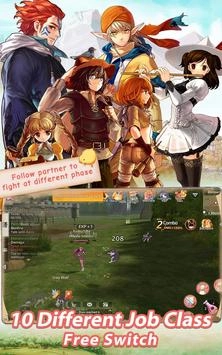
This game's controls are similar to other mobile MMORPGs: players use a virtual joystick to the left side of the screen to move their characters, and the buttons on the right to attack. Once you enter the fantasy world of Mabinogi, you'll have to choose a character class. There's currently over ten to choose from, each with unique special abilities.
Mabinogi: Fantasy has missions you can complete by following the arrow on the screen from one location to another, although you can also enable an automatic mode. Your first mission will be to carry messages from one place to another, but as soon as you finish this tutorial you're free to explore the world and do whatever you would like!
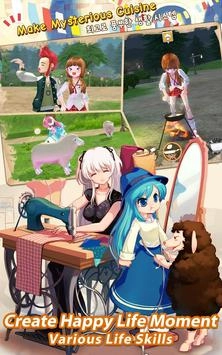
Have you ever wished you could become an explorer and travel to exotic places? How about becoming the world's best tailor? It's all possible in Mabinogi: Fantasy Life. No matter what class you choose, you can grow a garden, cook food, or sell items at the market. The only limit is your imagination as you explore all that this game has to offer!
On top of all that, this has a reincarnation system players can use to change their character's class and explore even more possibilities, without losing all their progress. Overall, Mabinogi: Fantasy Life is a great MMORPG with an immersive universe and almost endless possibilities. Give it a try and embark on exciting adventures in your second virtual life!