Step into a breathtaking modern Eastern metropolis where romance, mystery, and destiny intertwine! Light and Night is a deeply immersive interactive romance mobile game crafted by an elite team of writers, artists, and professional composers. You play as a rising fashion designer chasing her dreams in the light, only to uncover hidden truths in the shadows of the night. With a unique dual-ending system, lifelike interactive features, and heart-fluttering voice acting, every choice you make weaves a romantic tale that belongs solely to you. Will you remain in the light, or step forward into the night?
Core Gameplay & Features
-
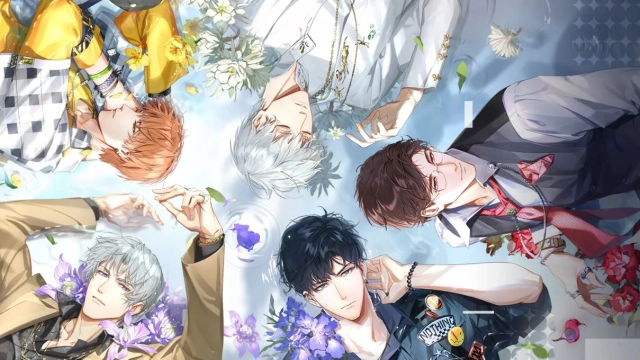
Light and Night Dual Endings: Your decisions shape your destiny. Unlock a unique branching narrative system where your choices lead you down different paths, introducing you to captivating male leads and shaping the final outcome of your romance.
-
Lifelike Interactive Romance: Experience love that feels incredibly real. Go on romantic dates, play mini-games, and interact through immersive text messages, voice calls, and video calls with the male leads.
-
Exclusive Heart-Racing Stories: Discover the secrets hidden deep within each male lead's heart. Unlock exclusive voice content and intimate personal stories that create unforgettable memories just for the two of you.
-
Top-Tier Fashion Design: Live out your dream as a top designer. Customize your look with a deep fashion system, mixing and matching gorgeous outfits and makeup to create your signature style for every occasion.
-
Sensory Masterpiece: Brought to life by an all-star cast of voice actors and professional composers, delivering a rich, intimate, and emotionally resonant sensory experience.
Players are captivated by Light and Night for its exceptionally high production value, mature and engaging storyline, and the genuinely heart-fluttering interactions that make the romance feel incredibly personal.
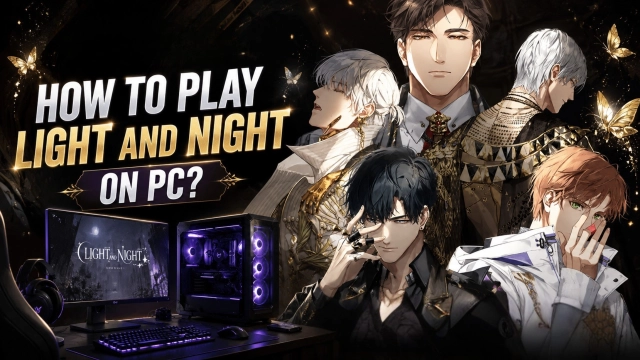
Play Light and Night on PC with LDPlayer for Best Experience
-
Breathtaking Big Screen Visuals: An otome game with such exquisite art deserves to be experienced in full detail. Appreciate the stunning character illustrations, delicate fashion textures, and beautiful Live2D animations in high-definition on a large PC monitor.
-
Immersive PC Audio Experience: The intimate voice calls and ASMR-like interactions are the core of the game. Plug in your high-quality PC headphones to hear every whisper, breath, and romantic line with crystal-clear audio fidelity.
-
Uninterrupted, Battery-Free Romance: Visual novels require hours of reading and interaction. Dive deep into the captivating storylines and romantic dates without worrying about your phone's battery dying, screen dimming, or the device overheating in your hands.
-
Multi-Instance for Different Choices: Torn between two branching paths? Use LDPlayer’s Multi-Instance feature to run multiple accounts simultaneously. Explore different dialogue choices, experience both the Light and Night endings, or efficiently reroll for your favorite character cards.
-
Seamless Mouse Controls: Navigate through your design studio, manage your wardrobe, and click through text messages effortlessly with the precision and comfort of a mouse.
Turn the wheel of fate, design your future, and step into a romance that is both sweet and heart-fluttering—download Light and Night on PC and experience the ultimate interactive love story with LDPlayer!