Home/

Games/

Role Playing/

Chaos Zero Nightmare

Chaos Zero Nightmare
4.01000+

Chaos Zero Nightmare

A Chaos-Loop RPG Driven by Choice

Smilegate, Inc.
How to Download&Play Chaos Zero Nightmare on PC?
Last Updated: 2026-02-04
com.smilegate.chaoszero.stove.google
Download apk
Share:
120FPS
  • Overview

  • FAQ

  • Game Guides

Use LDPlayer to Play Chaos Zero Nightmare on PC

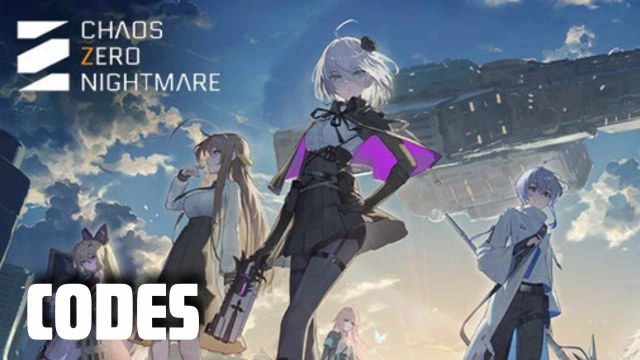
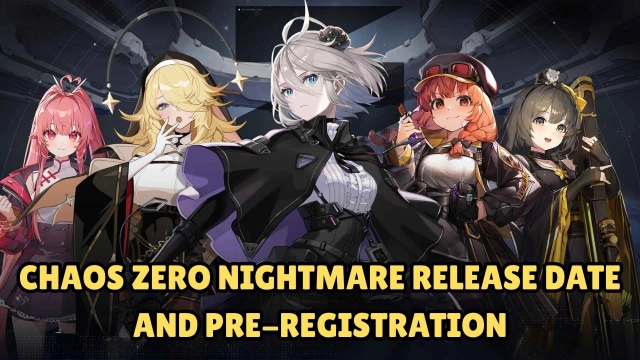
Chaos Zero Nightmare is a RPG command card game with distinctive and intriguing storyline. The nightmare falls and the darkness covers the world. It is the end of the world but the start of your legend! You are supposed to perform missions. All the crises you crash through will increase the opportunies of survival. Recruit characters and gather your team to defeat monsters and save the world.

Game Features

[Distinctive World View]

Chaos Zero Nightmare has released 5 charpter lores. As you gradually unlock new chapter, you will get close to the truth and save the universe from Chaos. It is a dark and desperate story but fill with hope. Get ready to battle and recapture our living environment.

[Innovative Command Card System]

A brand-new command card gameplay await explore. Drag the card to the target to unleash devastating power. Save the card for next turn in order to maximize its force with card synergies.

[Powerful Equipment and Accessory]

Equip weapons, armors, and rings on your allies to boost their base stats. Diverse equipment and accessory with unique star and rarity bring special effects to improve characters.

[Elaborated Characters and Voice Actors]

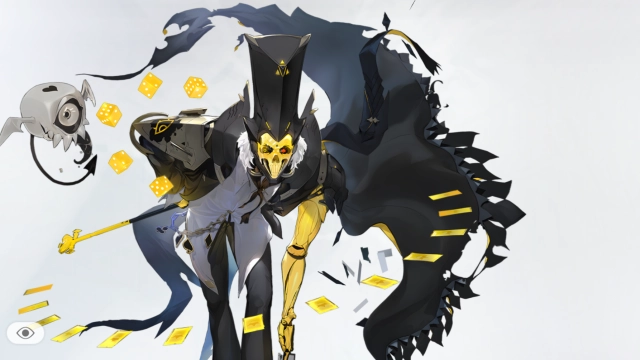
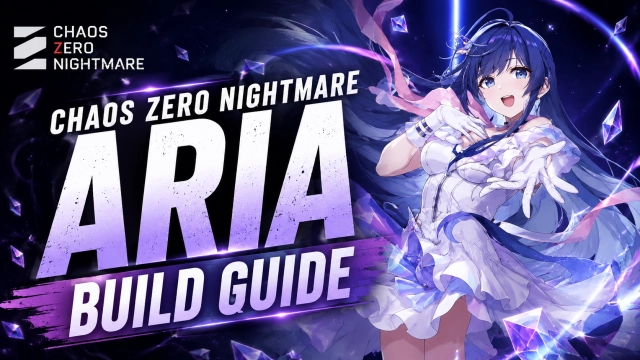
Chaos Zero Nightmare provides massive charming characters with unparalleled 2D illustrations and distinctive abilities. Top-notch voice actors dub characters bestowing glamor and characteristics.

Why Play Chaos Zero Nightmare on PC with LDPlayer

Enjoy Chaos Zero Nightmare on PC with LDPlayer, it helps you dominate Chaos Zero Nightmare with the wonderful functions such as Multi-instance & Sync, one-click macro, keyboard mapping and etc. Download LDPlayer now for the smoothest gaming experience.

Multi-instance & Sync: Create multiple instance and execute the same operation simultaneously, save your time to gather massive rare characters, equipment and accessories.

One-click Macro: Record your operations and replay as a script. Automate your gaming.

Keyboard Mapping: Skip the combat, place combat units and release skills more conveniently and accurately.

Open up

Screenshots and Videos of Chaos Zero Nightmare PC

Experience a wider field of view, exquisite game graphics, and cooler combat skills and effects by downloading and playing Chaos Zero Nightmare on PC with LDPlayer. Enjoy the ultimate gaming experience with LDPlayer.

Why Play Chaos Zero Nightmare on PC with LDPlayer?

LDPlayer offers unique emulator features including multi-instance support, macros, operation recorder, and other functions not available on mobile devices.

Multi-Instance & Sync

Remote Control

Operation Recorder

Multi-Instance & SyncRemote ControlOperation Recorder

Effortlessly clone multiple instances and initiate synchronization until you draw the desired hero before binding your account, enhancing efficiency in rerolls in Chaos Zero Nightmare.

  • High FPS

    With support for high FPS, Chaos Zero Nightmare's game graphics are smoother, and actions are more seamless, enhancing the visual experience and immersion of playing Chaos Zero Nightmare.
  • Keyboard & Mouse

    In Chaos Zero Nightmare, players frequently perform actions such as character movement, skill selection, and combat, where keyboard and mouse offer more convenient and responsive operation.

How to Download&Play Chaos Zero Nightmare on PC?

  • 1

    Download and install LDPlayer on your computer

  • 2

    Locate the Play Store in LDPlayer's system apps, launch it, and sign in to your Google account

  • 3

    Enter "Chaos Zero Nightmare" into the search bar and search for it

  • 4

    Choose and install Chaos Zero Nightmare from the search results

  • 5

    Once the download and installation are complete, return to the LDPlayer home screen

  • 6

    Click on the game icon on the LDPlayer home screen to start enjoying the exciting game