
Game Installation
How to install games from other sources
2020-11-11
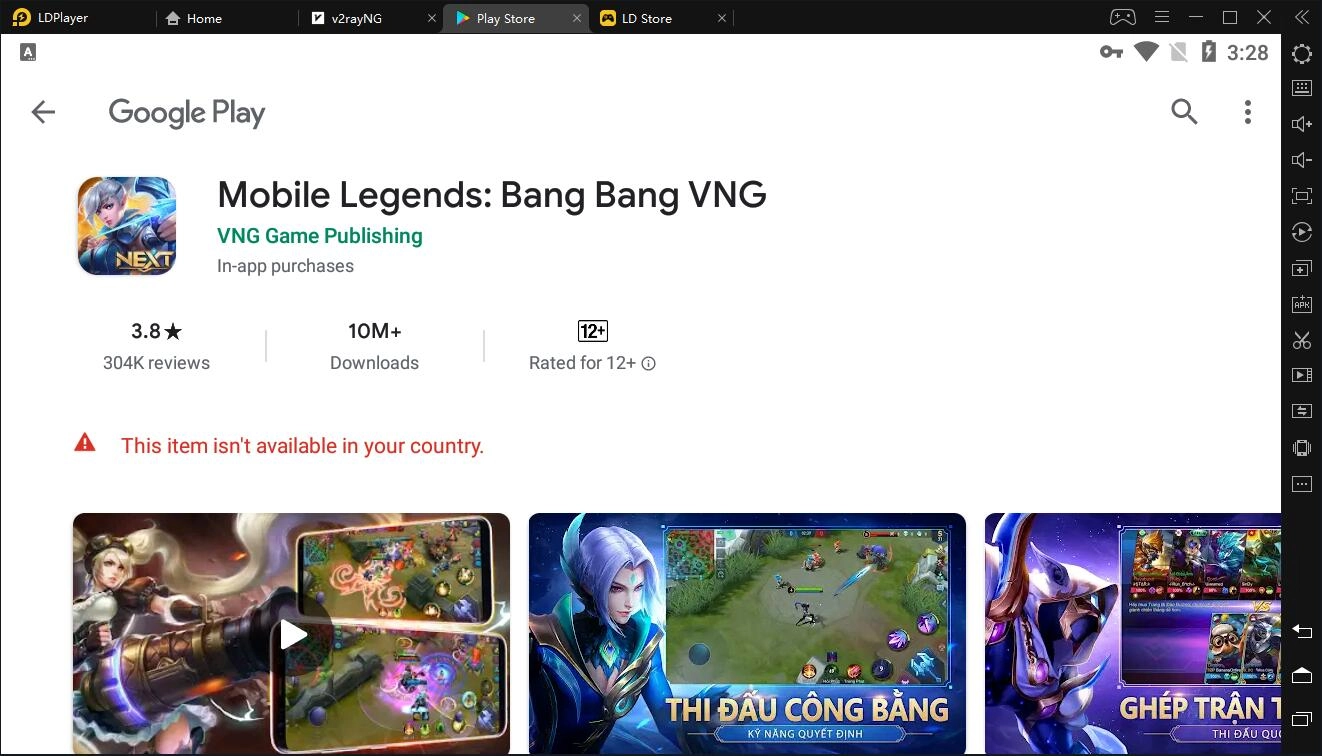
This article describes how to install games from other sources so you can play all your favourite games that aren't available in your country or that aren't compatible with your LDPlayer.
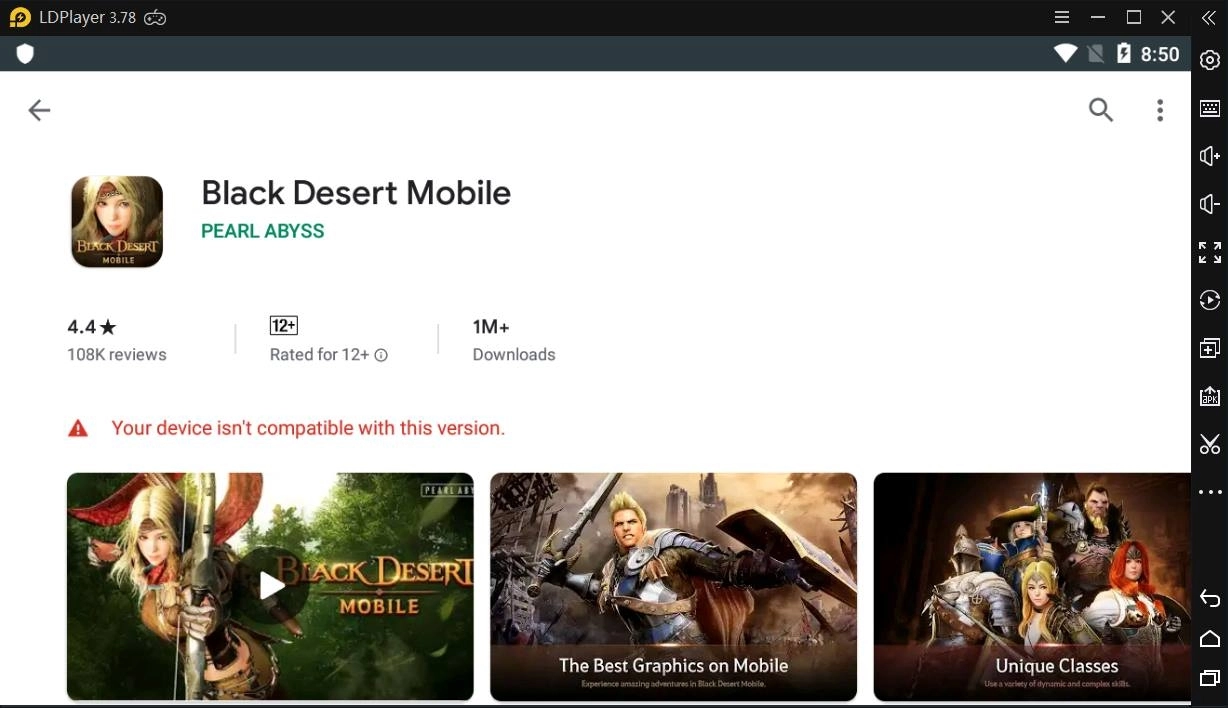
In fact, you can download games from Google Play Store or LD Store on your LDPlayer. However, as you know, some games are not published all over the world or not designed for some Android versions. Even so, many of you would love to play games distributed to specific countries on LDPlayer. To play those special games on LDPlayer, you have to have them installed on LDPlayer first. Some of you may have known that you can also locally install all games from LD Store without regional restirctions. Nonetheless, not all games in LD Store are uploaded or updated in time in that LD Store has already countless games that need to be maintained manually one by one and under the circumstances the top games come first. That's why it is necessary for you to know how you install games from other sources.
Please keep in mind that you should download games only from trusted sources.
What sources are trusted?
In our experience, the following sources are trusted:
1. APKPure
APKPure is a site which provides APK and XAPK files of almost all mobile games. Its official site is https://apkpure.com/
APKPure has abundant mobile games, but also has a severe disadvantage, that is, most games from APKPure are 64-bit games that can only be run on 64-bit Android and nowadays almost all of emulators are 32-bit Android. Although 64-bit emulators like 64-bit LDPlayer are available now, they are not performing as well as 32-bit emulators. Therefore, you have to view whether the game you are about to download from APKPure is a 64-bit game.
How to view the architecture of a game on the APKPure site
After you search for a game on APKPure site and reach the game page, you will see a obvious Download button, as shown below.
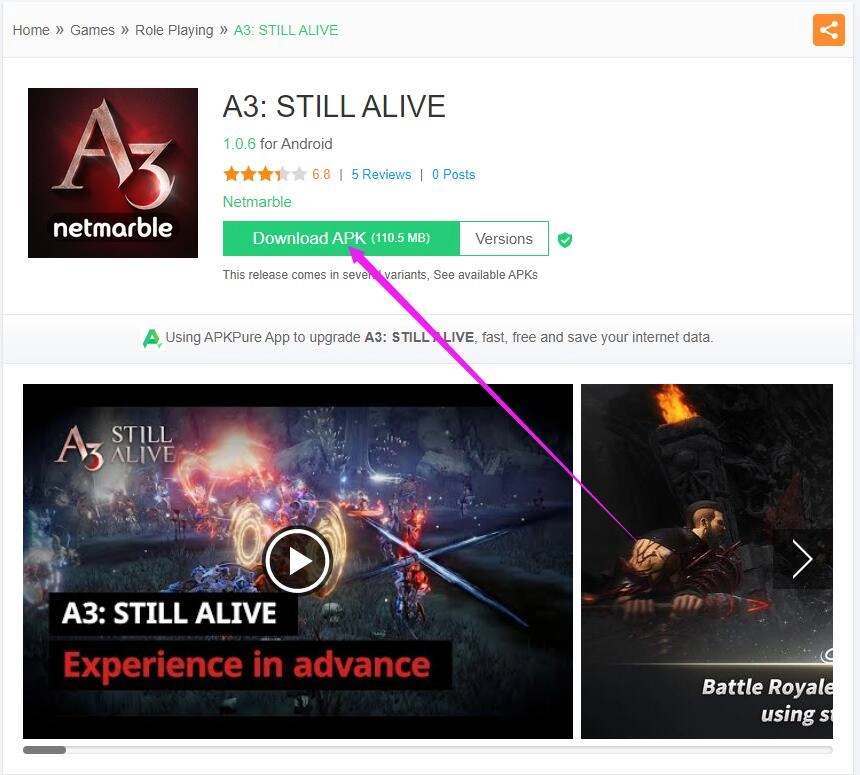
You can click the following link to check the game by yourself. https://apkpure.com/a3-still-alive/com.netmarble.survivalgb To view its architecture, just scroll down the webpage, find Previous versions and click the three dots in the top right corner of a box containing the latest version of the game.
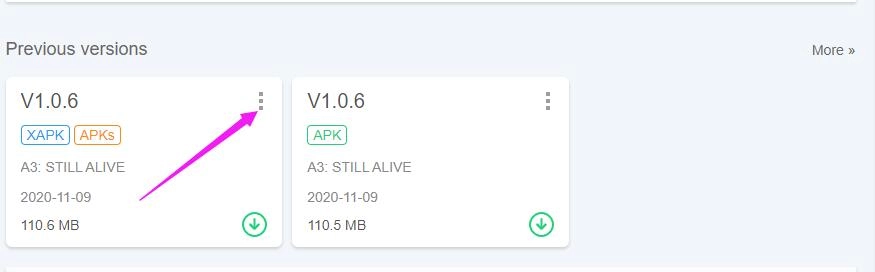
Its architecture will be found after that.
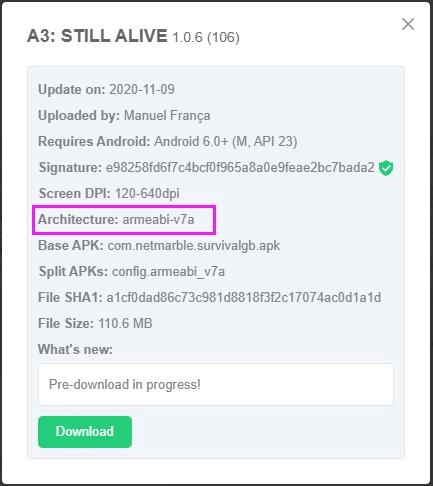
Actually, there is another architecture called x86. armeabi-v7a and x86 are for 32-bit Android, though it can also be run on 64-bit Android. When you see that a game's architecture only involves arm64-v8a, that game can only be run 64-bit Android.
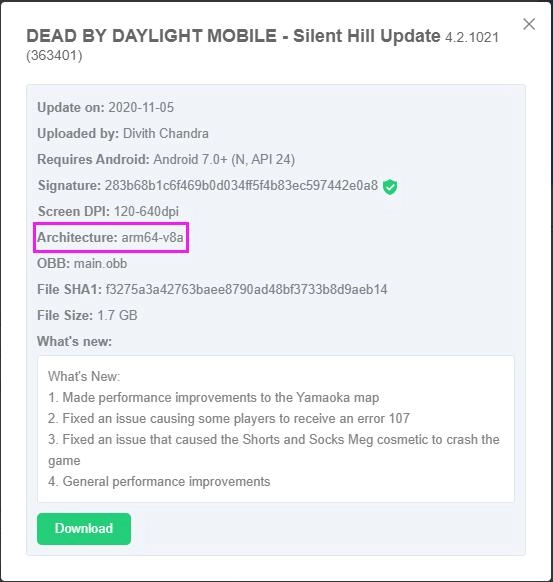
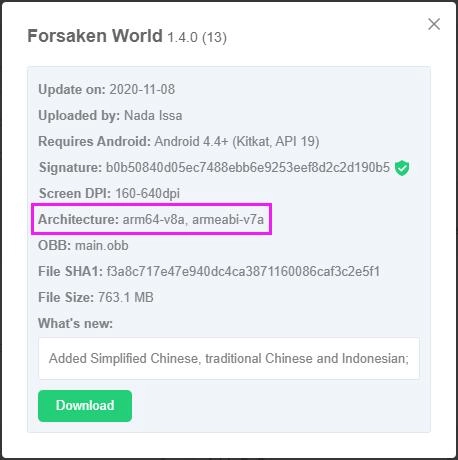
When you see all other forms of architectures such as armeabi-v7a, x86, both armeabi-v7a and x86, both armeabi-v7a and arm64-v8a, both x86 and arm64-v8a, and so on, this game can be run on both 32-bit Android and 64-bit Android.
2. APKCombo
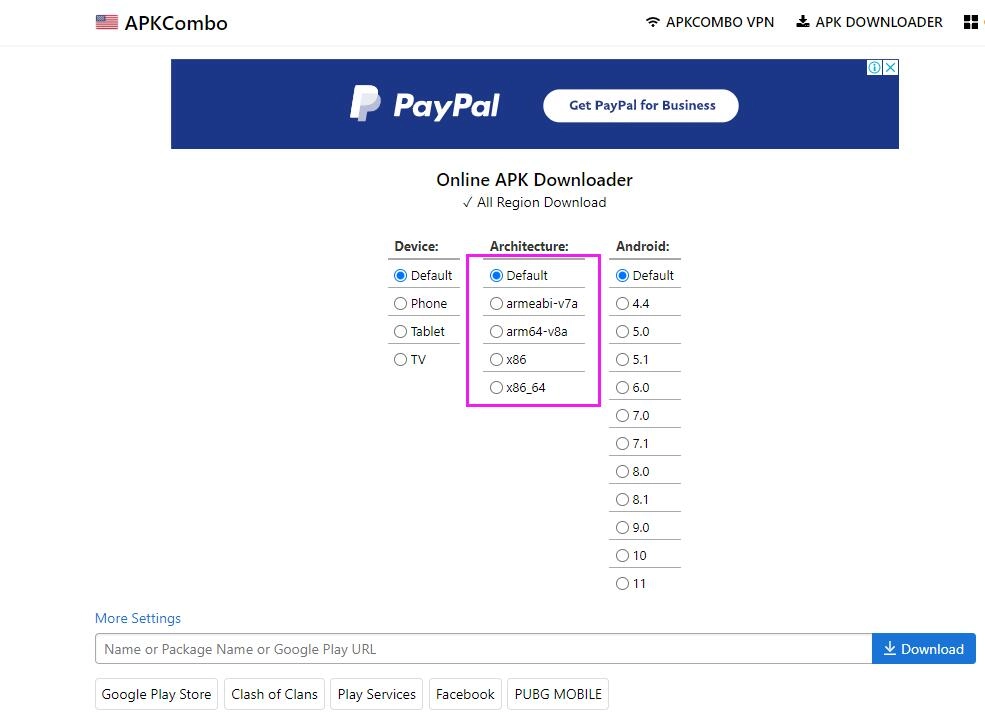
APKCombo is similar to APKPure. Its official site is https://apkcombo.com/apk-downloader/
There are sufficient mobile games on APKCombo site also. The great advantage of APKCombo is that you can find enough 32-bit games and can manually select the games' architectures, though it doesn't provide the XAPK files of games.
You will need to install games on LDPlayer after downloading them from the above sources. If the game downloaded by you is an APK file, you can directly drag it into LDPlayer to install the game. But if it is a XAPK file, please read the following article for more detailes about how to install XAPK on LDPlayer: How to install XAPK on LDPlayer
As a matter of fact, you will still meet other file types of games such as an APK file with one OBB file, an APK file with two OBB files and multiple APK files.
Please see the following article for more details on how to install a game whose file type is an APK file with one OBB file or an APK file with two OBB files : How to install APK games with OBB on LDPlayer
Check the third point Multiple APK files in the following tutorial for how to transform multiple APK files into an XAPK file: How to form a XAPK file and then read the final part of this tutorial for how to install a XAPK file containting multiple APK files on LDPlayer.