Game Troubleshooting
How to Play Apex Legends Mobile in Any Area
2022-03-22
Apex Legends Mobile finally came out. But it's only available on Android and iOS in Australia, New Zealand, Singapore, Malaysia, Philippines, Indonesia, Mexico, Peru, Argentina, and Colombia. If you are not a user in these areas, you can also enjoy this game after making some settings. In this article, we will show how to play Apex Legends Mobile on LDPlayer in any area in the world (besides the 10 available regions).
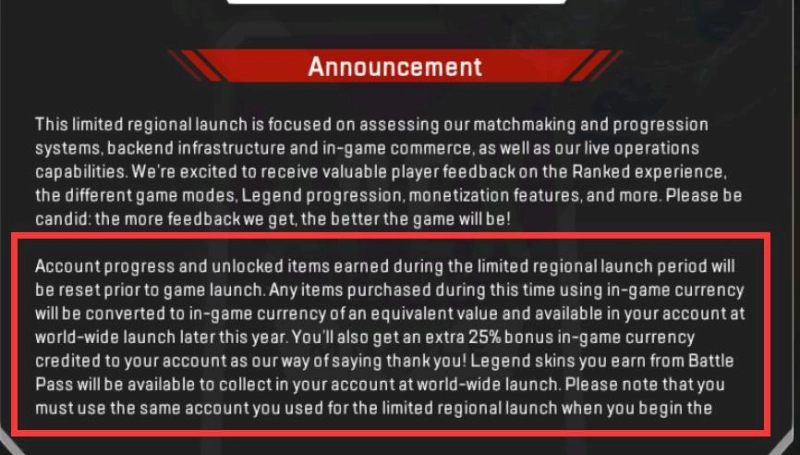
*In this version, users can get an extra 25% bonus in-game currency credited to their account.
Apex Legends Mobile: Game Installation Guide (Besides the 10 Available Regions)
Step1. Before entering into the game, you need to prepare for:
a. A Google account that is signed up to the areas mentioned above.
Or Sign up for a new Google account so that you can get one that hasn't been signed up to any areas. And please remember not to fill in the payment information.
b. Enable the above countries' VPN line and turn it to the global mode.
You need to realize these two terms or you won't find the games in Google Play.
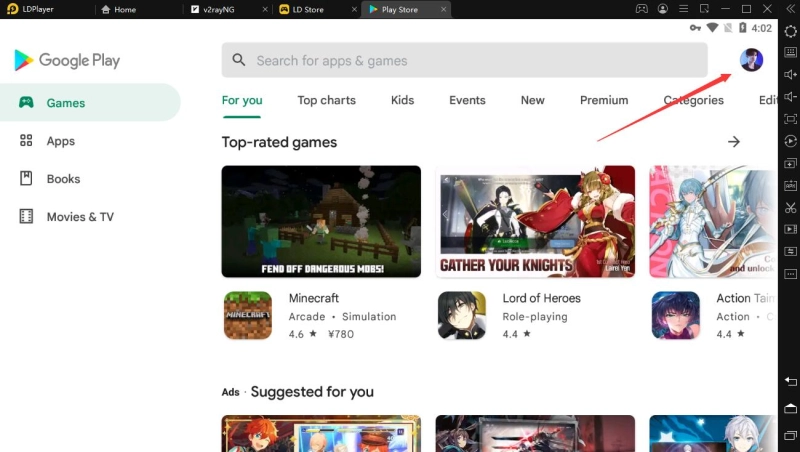
If you are not sure about the area of your Google account, you can go to System Apps> Play Store > Click the top-right account icon > Settings in LDPlayer to have a check.
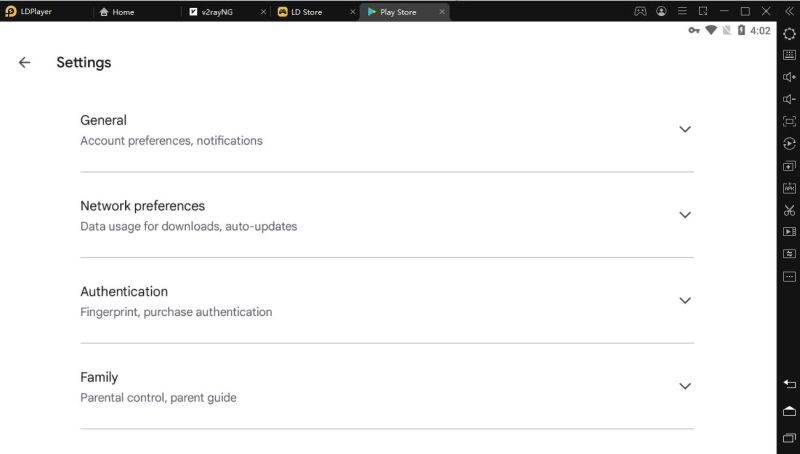
In Settings, choose General> Account and device preferences. Then you can see which area are your account in. If it doesn't display something and you cannot click the Country term, it means your Google account hasn't been signed up to any areas. You can use this account to play Apex Legends Mobile on LDPlayer even if there is a regional limit.
Step 2. Download the latest version of LDPlayer (4.078 32bit) on your PC and press ctrl +2 to create a new instance. Then you are allowed to download this game in LD Store directly. When you enter into the game, it will pop up a window that will inform you the game detects emulator. Here, you just need to click Back key of LDplayer (or Press 'Esc') to eliminate the emulator detection window.
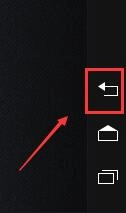
Notice: If you find this method is invalid, you can switch to the 64 bit of 4.078 to play Apex Legends Mobile. This version will not detect emulator.
Step 3. Enjoy your gaming in Apex Legends Mobile!
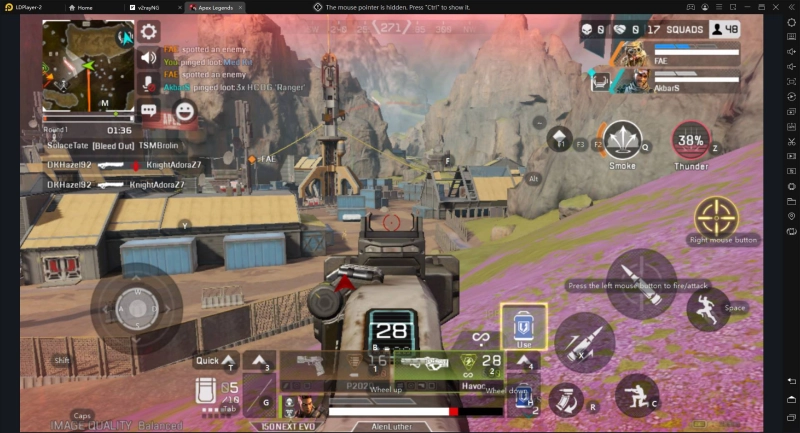
This game cannot be installed by dragging the apk downloaded from other sources. Or it will pop up the following windows and cannot install the game successfully.
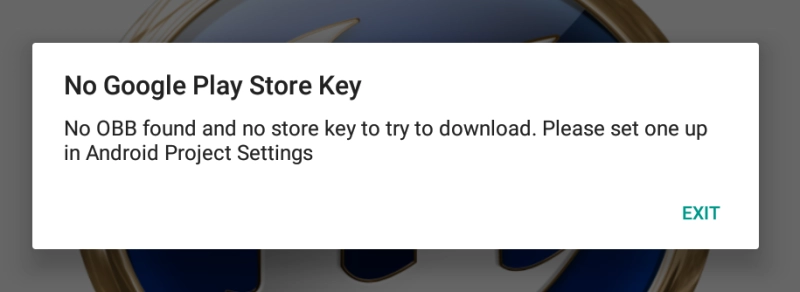
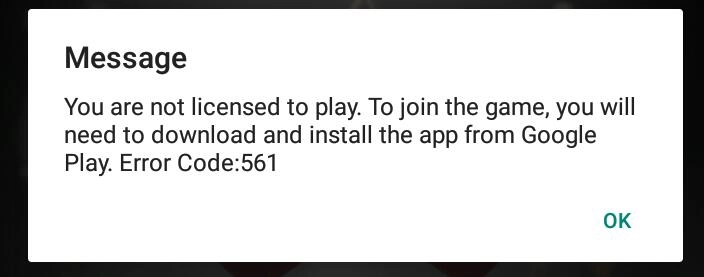
Notice: If it shows that 'your device isn't compatible with this version' error when you search Apex Legends Mobile in LDPlayer, you can refer to this tutorial: How to Solve Apex Legends Mobile Device Not Compatible Problem in LDPlayer.
You May Need:
Apex Legends Mobile Weapons Tier List
Apex Legends Mobile Character / Legends Tier List
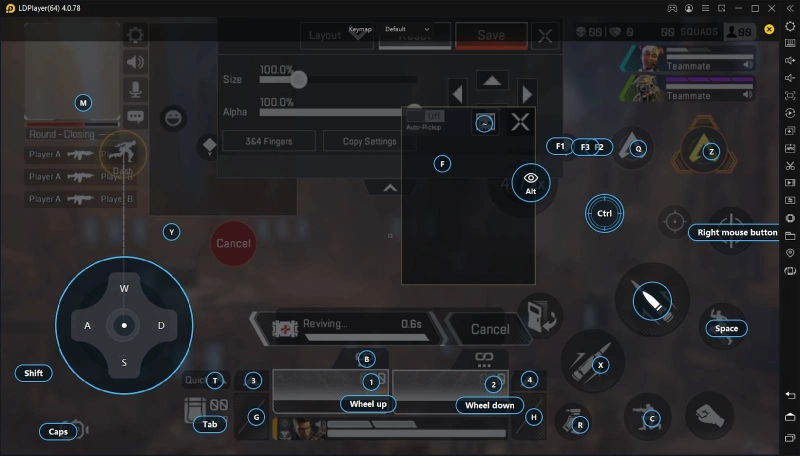
Gameplay buttons setting: Keyboard Mapping in LDPlayer
Hide Mouse Pointer:CTRL
Direction Move:WASD
Aim and Shot:Press the left mouse
Package:Tab
Quick Open Package:T
Select Grenade:3
Use Grenade:G
Medical Kit Selection:4
Use Medical Kit:H
Ability:Q
Ultimate Ability:Z
Change Ammo:R
Pick up:F
Stroll:Shift
Jump:Space
Squat:C
Mark Location:F1/F2/F3
Gun Burst Switching:B
Switch between first and third-person view:Caps
Landing:Y